Receipt archives need an exit plan.
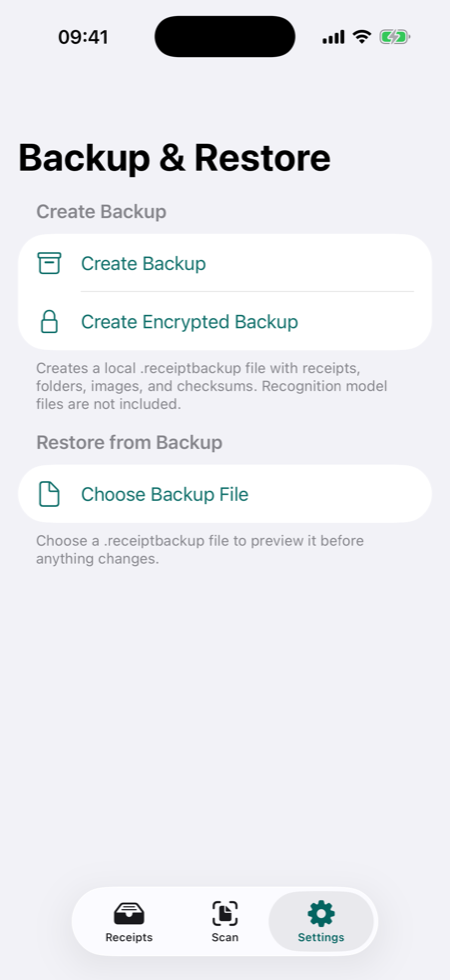
A private local receipt organizer should still let you move and recover your records. TillShot's backup workflow is built around local files, user-controlled sharing, preview before restore, and clear confirmation before anything is replaced.
What a backup can include.
- Receipt rows and reviewed field values.
- Original receipt image files and thumbnails.
- OCR text, evidence rows, folders, categories, and notes.
- Integrity checks for receipt files.
- Optional password-protected encrypted backup payload.
Restore without guessing.
TillShot previews backup counts before changing local data. Merge adds missing receipts and files while preserving existing records. Replace all is treated as destructive and requires extra confirmation.
Receipt backup FAQ
Where do TillShot backups go?
TillShot creates the backup locally and opens the iOS Share Sheet. You choose whether to save it to Files, AirDrop it, email it, or move it elsewhere.
Are recognition model files included in receipt backups?
No. Receipt backups are for receipt data and receipt files, not downloaded recognition model files or temporary processing data.